Released Ranking workflow
Quick Rank: sort a full board one item at a time
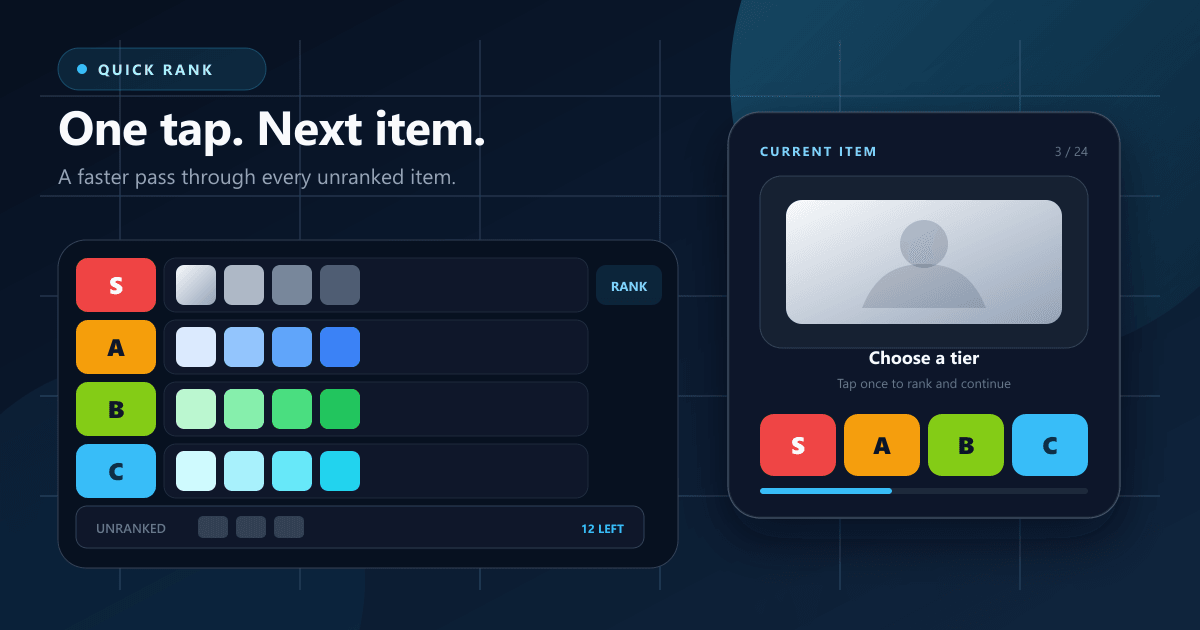
Quick Rank makes large tier lists faster to finish: the editor presents one unranked item at a time, you tap a tier, and progress updates immediately.
One-line takeaway
Quick Rank replaces a long drag-and-drop pass with fast tier buttons for every unranked item.
The friction
On a large board, dragging every image across a crowded canvas is slow on phones and easy to second-guess.
The new flow
Quick Rank keeps the board context but moves the decision into large tier buttons. Each tap records the item, advances progress, and leaves skipped items safely unranked.
How it works
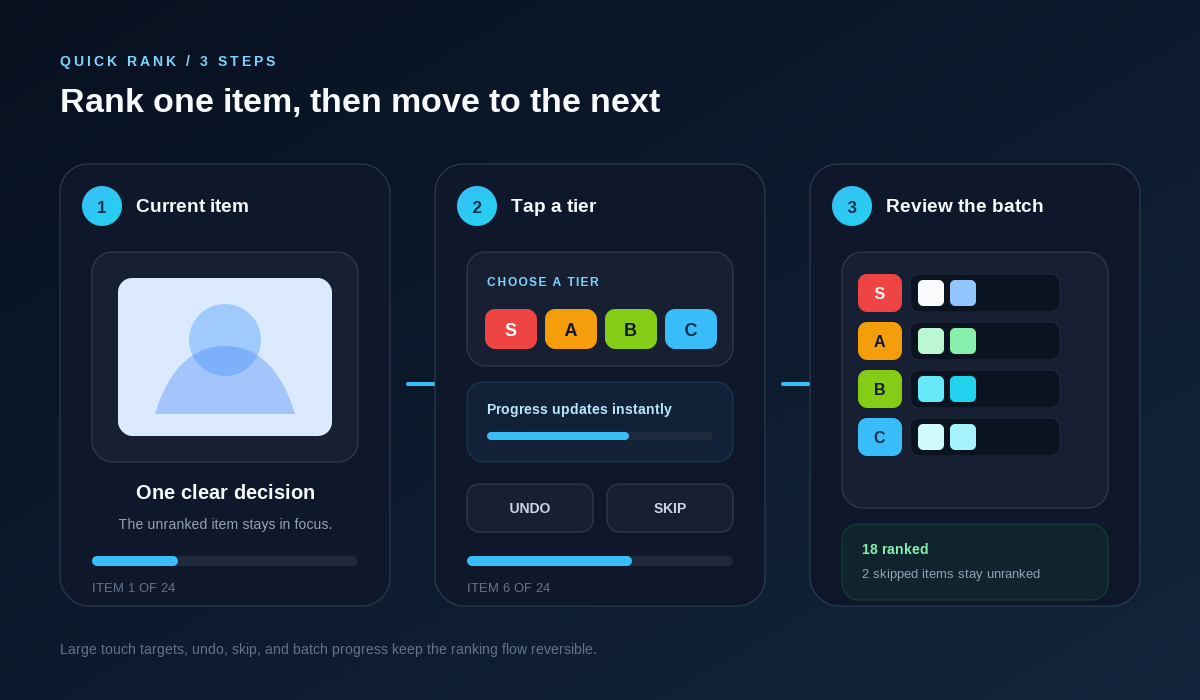
- 1 Start Quick RankOpen a board with unranked items and choose Quick Rank from the editor controls.
- 2 Tap a tierThe current item appears with every available tier as a large, touch-friendly button.
- 3 Review the batchUndo the last choice, skip uncertain items, or continue with the next batch until the list is complete.
Limits and availability
- Quick Rank requires at least one tier on the board.
- Skipped items remain in the unranked area.
- Undo steps through choices made in the current Quick Rank session.
Supported platforms: Web browser, including mobile and tablet
Need the strategy, not the changelog?
The blog covers ranking methods, template ideas, and deeper how-to guides. Product updates stay focused on version facts, feature behavior, and availability.