Released Ranking workflow
Ranking Challenges: share your tier list result and invite a friend
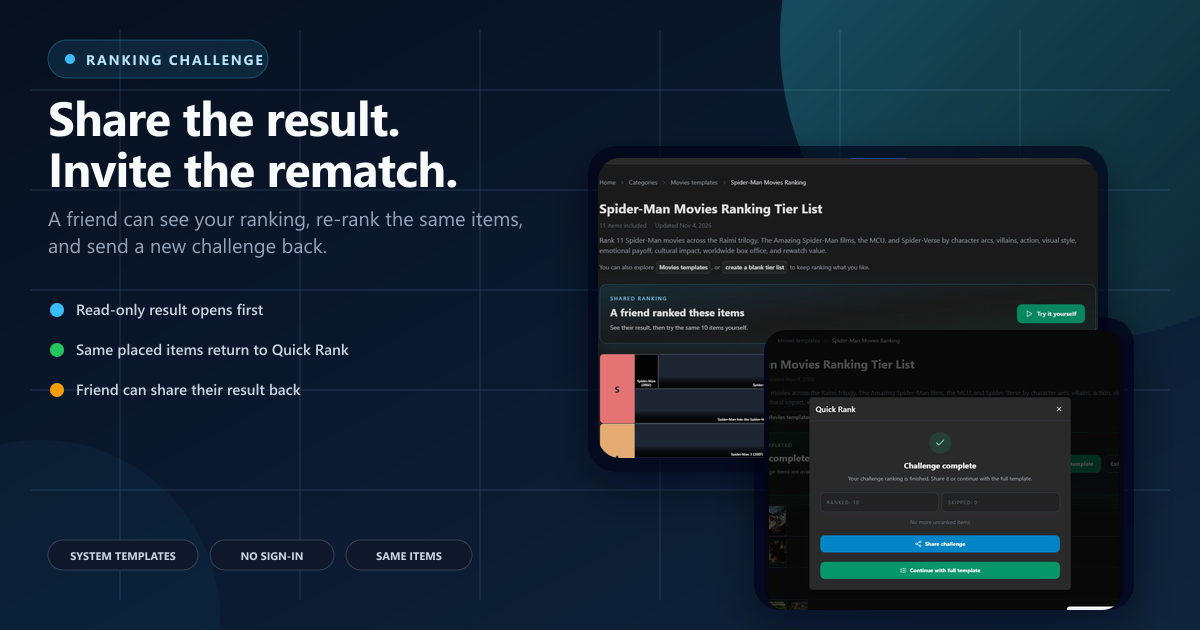
Share a finished ranking from a system template as one challenge link. A friend can see what you chose, re-rank the same items, and send their result back.
One-line takeaway
Now sharing a ranking can invite a friend to play, not just look at an image.
Why sharing was awkward
A normal template link did not show your ranking result. A result image showed the order, but your friend could not use the same items to make their own version.
One link closes the gap
A Ranking Challenge opens on your read-only result. Your friend taps Try it yourself, ranks the same placed items in Quick Rank, and can share a new challenge back.
How it works
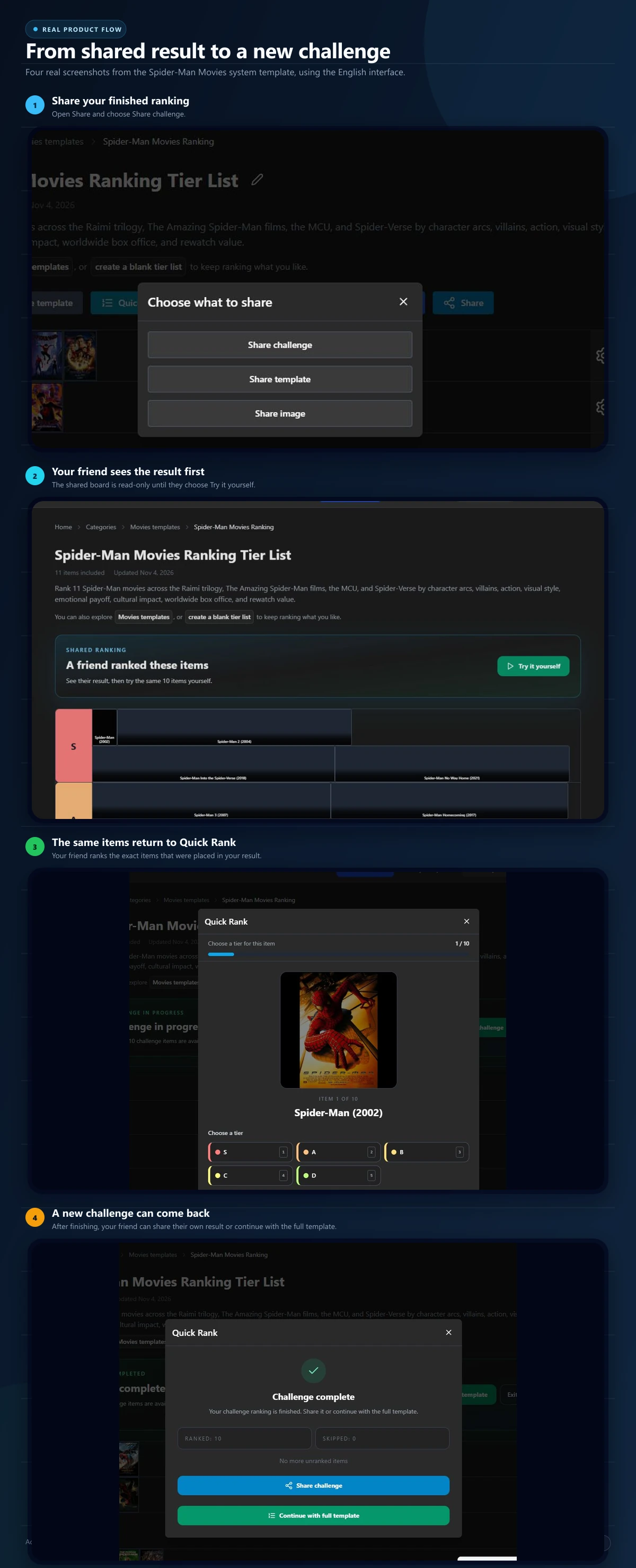
- 1 Share from a system templateFinish Quick Rank on a system preset template, then open Share and choose Share challenge.
- 2 Friend sees your resultThe link opens a read-only board with your tier placements. The friend taps Try it yourself when ready.
- 3 Friend ranks and sends one backThe same placed items return to Quick Rank. After finishing, your friend can share a new challenge or continue with the full template.
Supported templates and limits
- Ranking Challenges currently work only with system preset templates. Custom boards created in Make a List are not supported yet.
- The challenge includes only items that were already placed in a tier. Skipped or unranked items are not part of the friend's challenge.
- No sign-in is required and the link carries the ranking positions, so anyone with the link can open it. Custom tier names, colors, added tiers, and images are not saved, and older links may stop working if template items or their order change.
Supported platforms: System preset templates in modern desktop, tablet, and phone browsers; native sharing where supported, with a copy-link fallback
Need the strategy, not the changelog?
The blog covers ranking methods, template ideas, and deeper how-to guides. Product updates stay focused on version facts, feature behavior, and availability.
Related product update
 Ranking workflow
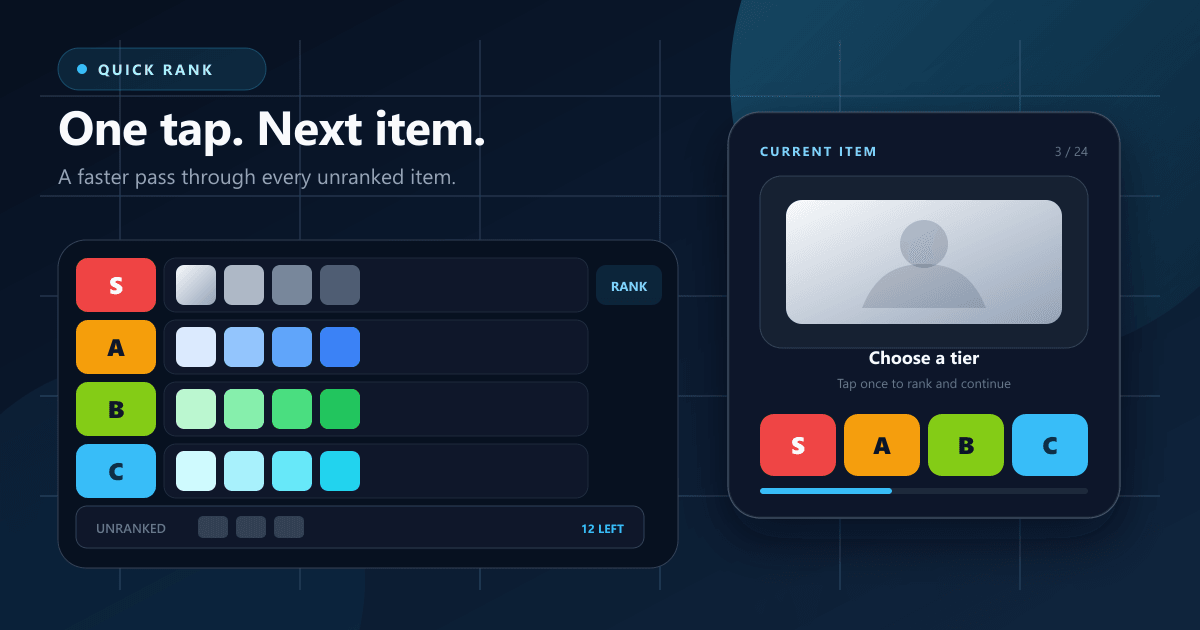
Quick Rank: sort a full board one item at a time
Quick Rank replaces a long drag-and-drop pass with fast tier buttons for every unranked item.