Released Board customization
Custom backgrounds and skins for ranking boards
Ranking board settings now support desktop and mobile background images, image focus, dimming, blur, fallback color, and optional frame or tier-row materials.
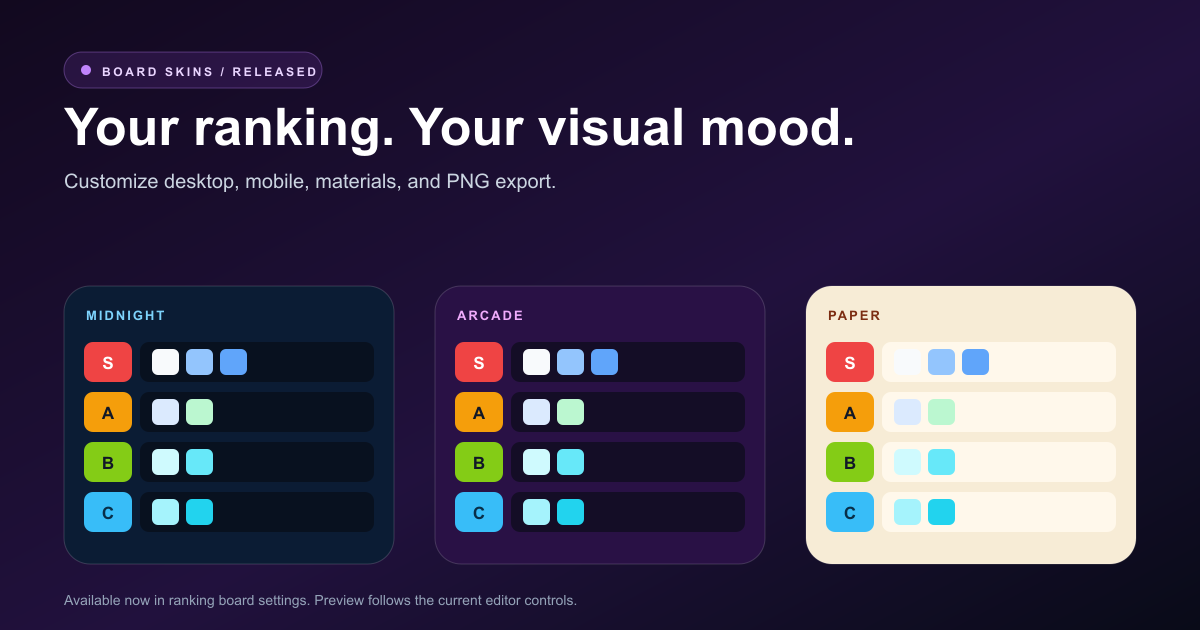
One-line takeaway
Give a tier list its own visual mood while keeping tier names, item images, drag controls, and export behavior unchanged.
The friction
A finished ranking often needs to match a community, video, or social post. Plain boards force extra editing outside Tier Maker Pro.
The new options
Open Ranking Board in settings, enable a custom skin, then tune device-specific backgrounds and optional materials. Ranking content and controls stay fully interactive.
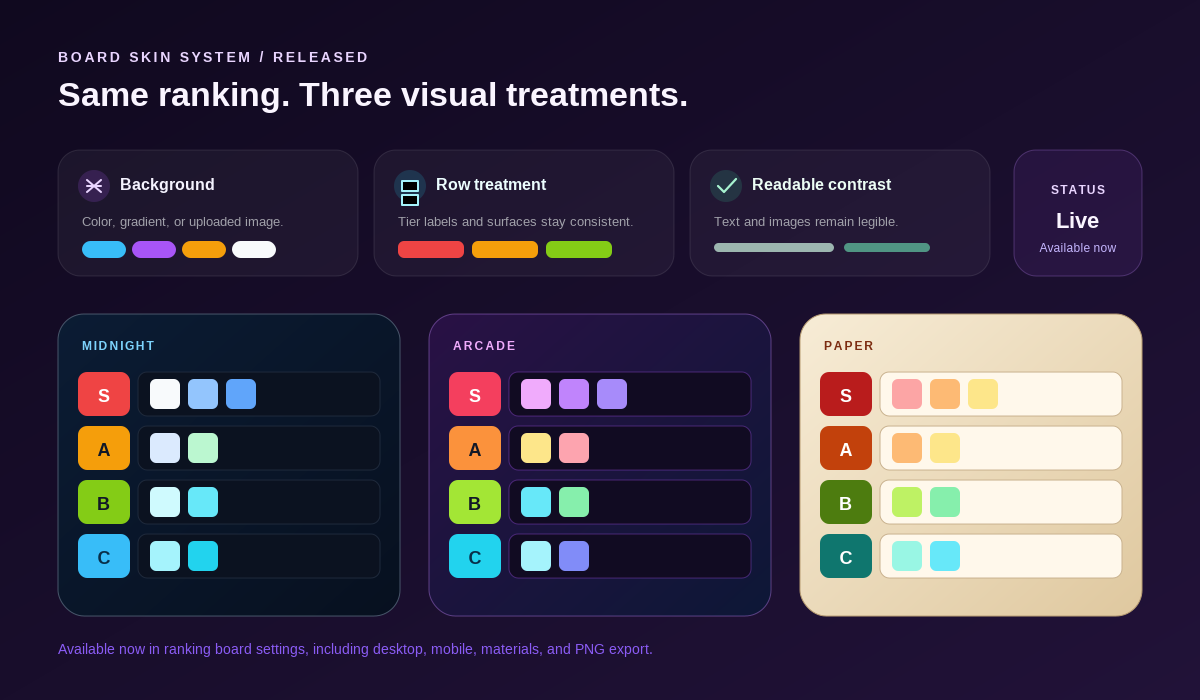
How it works
- 1 Enable the custom skinOpen a board, go to Settings, and enable the Ranking Board option under the background controls.
- 2 Set desktop and mobile backgroundsUpload separate images, choose focus points, and adjust dimming, blur, and fallback color for readable contrast.
- 3 Add materials and exportOptionally apply frame or tier-row materials, then export a PNG that keeps the same treatment.
Limits and availability
- Background images are processed locally in the browser; unsupported files are rejected before saving.
- Custom skin settings apply only to the ranking board, not tier labels, item images, drag controls, or the editor toolbar.
- Large images may be resized or compressed on upload; use the preview to confirm the final crop.
Supported platforms: Web browsers on desktop, tablet, and mobile
Need the strategy, not the changelog?
The blog covers ranking methods, template ideas, and deeper how-to guides. Product updates stay focused on version facts, feature behavior, and availability.